
AI Video Lighting, Optics & Color: How to Command Cinematic Depth and Atmosphere
Stop producing plastic, flat, sterile AI video renders. Learn how to direct camera lenses (24mm vs 85mm anamorphic), rim lighting, volumetric fog, color grading, and organic 35mm film grain.
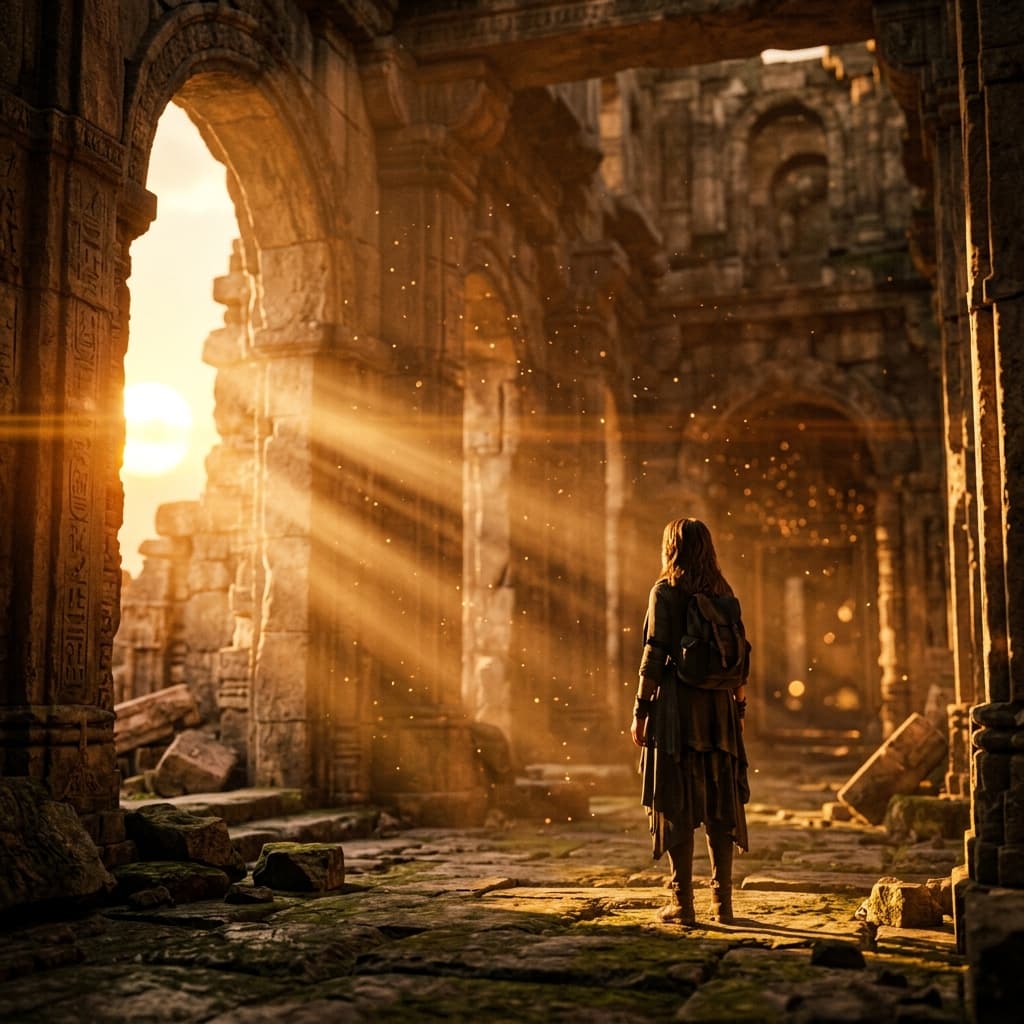
Why Lighting Dictates Photorealism in AI Models
AI diffusion and transformer video models do not compute ray-traced photon bounces. They look for tonal contrast gradients. If a scene is lit evenly with flat ambient light, human skin turns into rubbery CGI wax. By specifying directional side light, rim light, and specular highlights, you force the latent diffusion engine to generate sharp occlusion shadows and realistic microscopic skin pores.
1. Lens Selection & Depth of Field (Optics Table)
Specifying lens millimeters changes both the spatial compression and the background blur (bokeh):
| Lens Millimeter | Optical Characteristics | Depth of Field | Ideal Cinematography Use |
|---|---|---|---|
| 21mm / 24mm Wide Angle | Expands spatial distance; exaggerated perspective parallax | Deep focus (foreground to background sharp) | Epic landscapes, architectural interiors, dynamic action rush |
| 35mm & 50mm Standard | Natural human eye perspective; zero barrel distortion | Balanced natural falloff | Dialogue coverage, street documentary, cinematic narrative |
| 85mm & 105mm Portrait Prime | Flattering facial compression; tight background framing | Shallow DOF, creamy buttery circular bokeh | Emotional close-ups, high fashion, character isolation |
| 200mm Telephoto | Extreme compression; distant backgrounds appear right behind subject | Razor-thin plane of focus | Surveillance shots, crowded city streets, sports tracking |
2. Professional Lighting Archetypes
Replace generic words like "beautiful lighting" with explicit lighting directions:
Golden Hour & Rim Light
Low-angle sun behind the subject creates a glowing outline around hair and shoulders, detaching them from dark backgrounds.
Chiaroscuro & Low-Key Light
High contrast ratio where one side of the face is illuminated and the other falls into shadow.
3. Volumetric Fog, Rain & Environmental Texture
In generative video, pure air looks digital. Adding microscopic environmental particles breaks up pixel rendering artifacts and adds believable 3D volume:
Creates visible shafts of light (God rays) piercing dark chambers.
Forces the model to calculate realistic specular reflections on asphalt, clothing, and skin.