
AI Image Editing Mastery: Batch Auto-Rotate, 4K/8K Upscaler & Background Removal
Visual content drives e-commerce conversions, social engagement, and brand credibility. Yet managing hundreds of crooked photos or low-resolution product graphics can easily take days. Here is our comprehensive guide to Botock's AI Image Suite—what each tool does, how to use it, the benefits, practical use cases, and target audiences.
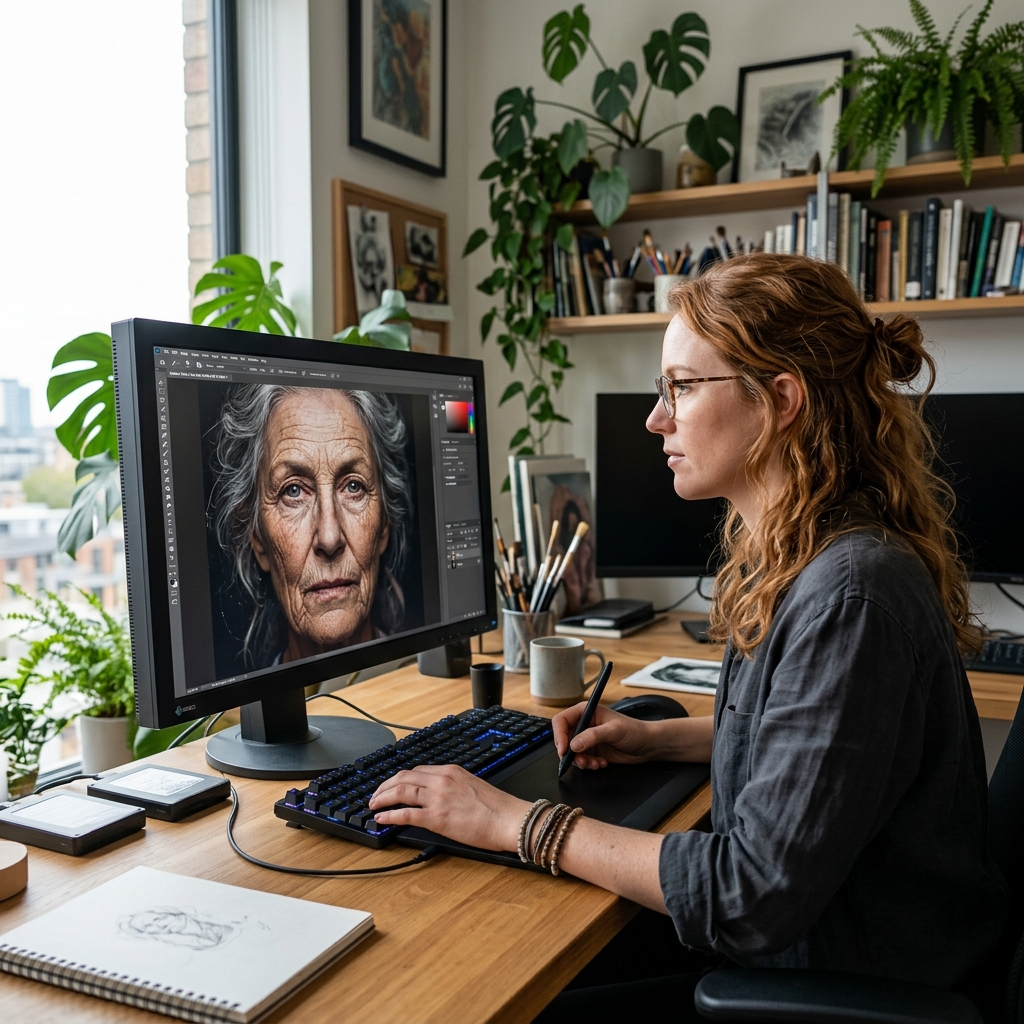
Whether you are an e-commerce store owner uploading 100 new product photos, a photographer archiving vacation snapshots, or a graphic designer preparing digital art for 300 DPI print-on-demand posters, working with images requires speed, precision, and privacy.
Below is a comprehensive breakdown of every flagship tool in the Botock AI Image Suite.
1. AI Batch Image Rotate & Auto-Straighten (Folder Upload + 1-Click ZIP)
What It Does & Core Functionality
AI Batch Image Rotate is engineered for high-volume photo libraries. Instead of uploading photos one by one, users can upload up to 100+ images simultaneously or drop an entire folder using full directory upload. The system automatically inspects raw binary EXIF tags (tag 0x0112) to detect and straighten crooked or sideways photos. Crucially, it automatically ignores non-image files (such as PDFs, Word docs, and text files) without interrupting the workflow, and provides a 1-Click ZIP Download to export the entire corrected batch at once.
Step-by-Step Usage Guide
- Visit AI Batch Image Rotate.
- Click Upload Entire Folder or drag & drop a collection of 50 to 100+ photos.
- The system filters out non-image files and immediately parses EXIF orientation, auto-straightening crooked photos in parallel.
- Review the visual grid of photo cards. If any specific photo needs a custom angle, click its card-level 90° or Flip buttons.
- Click Download All Straightened Photos (ZIP) to save the entire straightened library in a single bundle.
Key User Benefits
Saves hours of tedious manual photo rotation. Users do not need to hunt through folders to find which photos are sideways—the AI finds and fixes them automatically.
Real-World Use Cases
E-commerce catalog batch uploads, real estate property listings, wedding and event photography dumps, and archiving smartphone family albums.
Target Audience & Who Uses It
E-commerce sellers (Shopify, Amazon), real estate agents, event photographers, digital archivists, and everyday mobile phone users.
2. AI Image Upscaler 4K & 8K (with 200% Pixel Inspect)
What It Does & Core Functionality
AI Image Upscaler enlarges and enhances low-resolution images up to 2x, 4x, and 8x Ultra HD. It combines multi-pass bicubic step scaling with an unsharp mask high-boost convolution filter to recover crisp edge definition, text clarity, and natural textures. To give users complete confidence that upscaling actually took place, it features a dedicated 200% Pixel Inspect tab providing side-by-side 2.5x zoomed comparison of original low-res pixels against the newly reconstructed high-resolution texture.
Step-by-Step Usage Guide
- Go to AI Image Upscaler.
- Upload your image (JPEG, PNG, or WebM video frame).
- Select your scale factor: 2x (HD), 4x (4K UHD), or 8x (8K Super HD).
- Click Upscale Image.
- Switch to the 200% Pixel Inspect tab to examine the side-by-side zoomed comparison of original vs sharpened pixels.
- Download your pristine high-resolution image in PNG format.
Key User Benefits
Turns blurry 720p screenshots and low-res graphics into crisp 4K assets suitable for print or large displays. Transparent visual verification eliminates guesswork.
Real-World Use Cases
Restoring vintage family photos, enhancing AI Midjourney/DALL-E images for print posters, preparing high-res e-commerce product zooms, and desktop wallpapers.
Target Audience & Who Uses It
Graphic designers, print-on-demand creators, e-commerce managers, digital art collectors, and archivists.
3. AI Image Background Remover & Transparent PNG
What It Does & Core Functionality
AI Image Background Remover detects the primary subject (person, product, shoe, automobile, or animal) and eliminates the surrounding background with sub-pixel precision. It handles fine hair strands and complex silhouette borders to export clean transparent PNG files ready for graphic design layouts.
Step-by-Step Usage Guide
- Visit Image Background Remover.
- Upload your photo.
- The neural model processes the silhouette in approximately 3 seconds.
- Choose between transparent alpha background, clean studio white, or custom background colors.
- Download your high-resolution cutout PNG immediately.
Key User Benefits
Replaces 20 minutes of tedious manual pen-tool clipping in Photoshop with a 3-second automated process. 100% free with no monthly credit limits.
Real-World Use Cases
Amazon and Shopify product photos, YouTube video thumbnail cutouts, corporate headshots, and marketing social posts.
Target Audience & Who Uses It
E-commerce store owners, thumbnail designers, marketing freelancers, and advertising creators.
4. Complete Image Studio: Generation, Compression & Cropping
Beyond rotation and upscaling, Botock equips you with an entire suite of browser-based image utilities:
- AI Image Generator: Create photorealistic concept art, portraits, and product mockups from simple natural language prompts.
- Lossless Image Compressor: Reduce image file sizes by up to 80% to speed up website load times and improve Core Web Vitals without visible quality loss.
- Precise Image Crop & Resize: Crop images to exact social media aspect ratios (1:1 Square, 4:5 Portrait, 16:9 Banner) or resize dimensions by exact pixel measurements.
Conclusion: Speed, Precision & Complete Privacy
High-performance image editing shouldn't require expensive software subscriptions or slow cloud upload queues. Botock gives you immediate access to batch photo straightening, 4K/8K AI upscaling, and background removal—all running directly in your browser with complete privacy.